
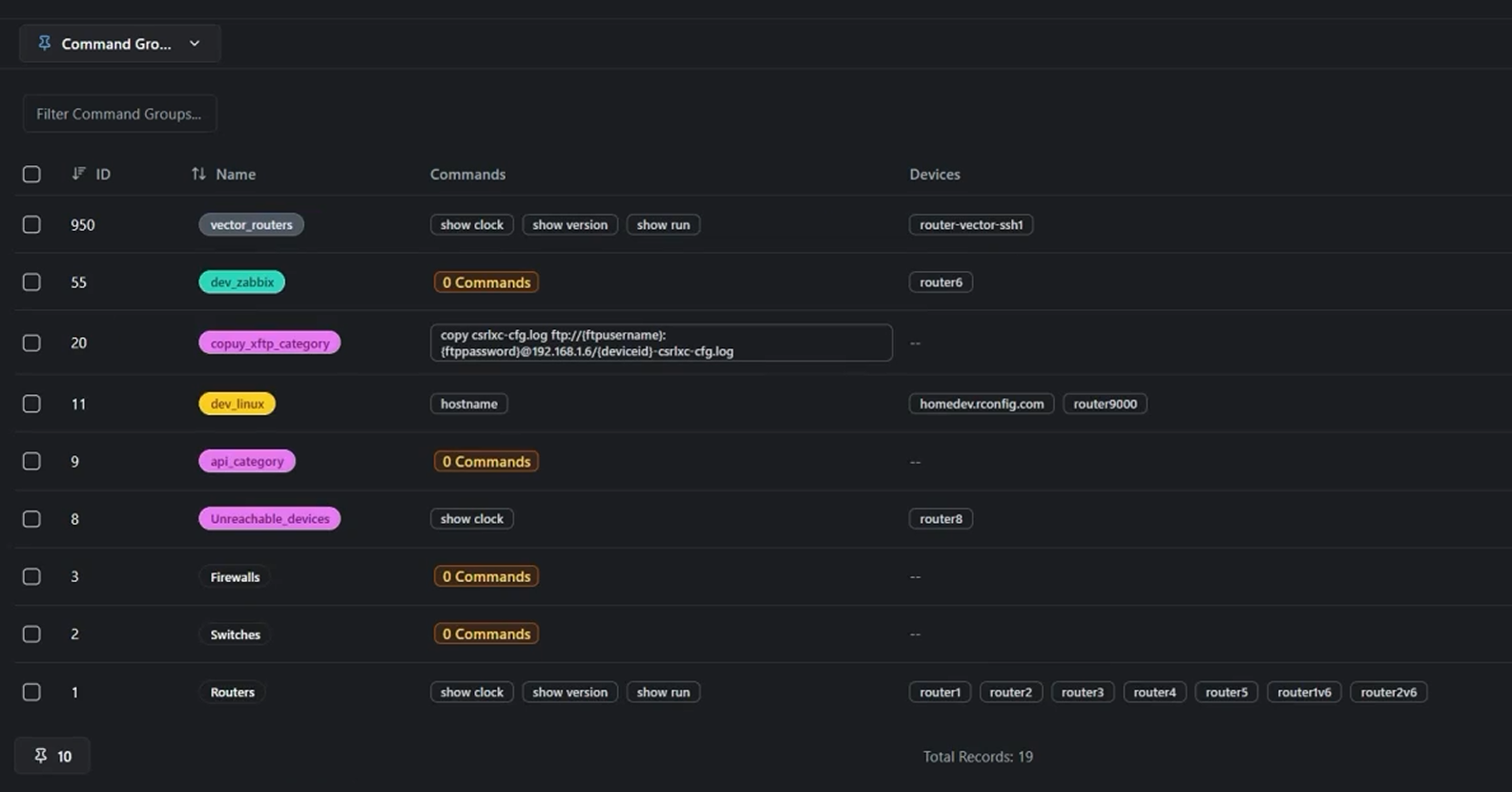
Devices & Command Groups
Organize devices at scale and run the right commands across the right targets. Learn grouping patterns that keep ops fast and repeatable.
See rConfig in action with quick walkthroughs covering backups, compliance, changes and automation. Real product, real workflows, narrated by our CTO.
Search, filter, and pick the demos that match your workflows. Every video is focused, technical, and built for fast answers. All videos presented by rConfig CTO, Stephen Stack.
Organize devices at scale and run the right commands across the right targets. Learn grouping patterns that keep ops fast and repeatable.
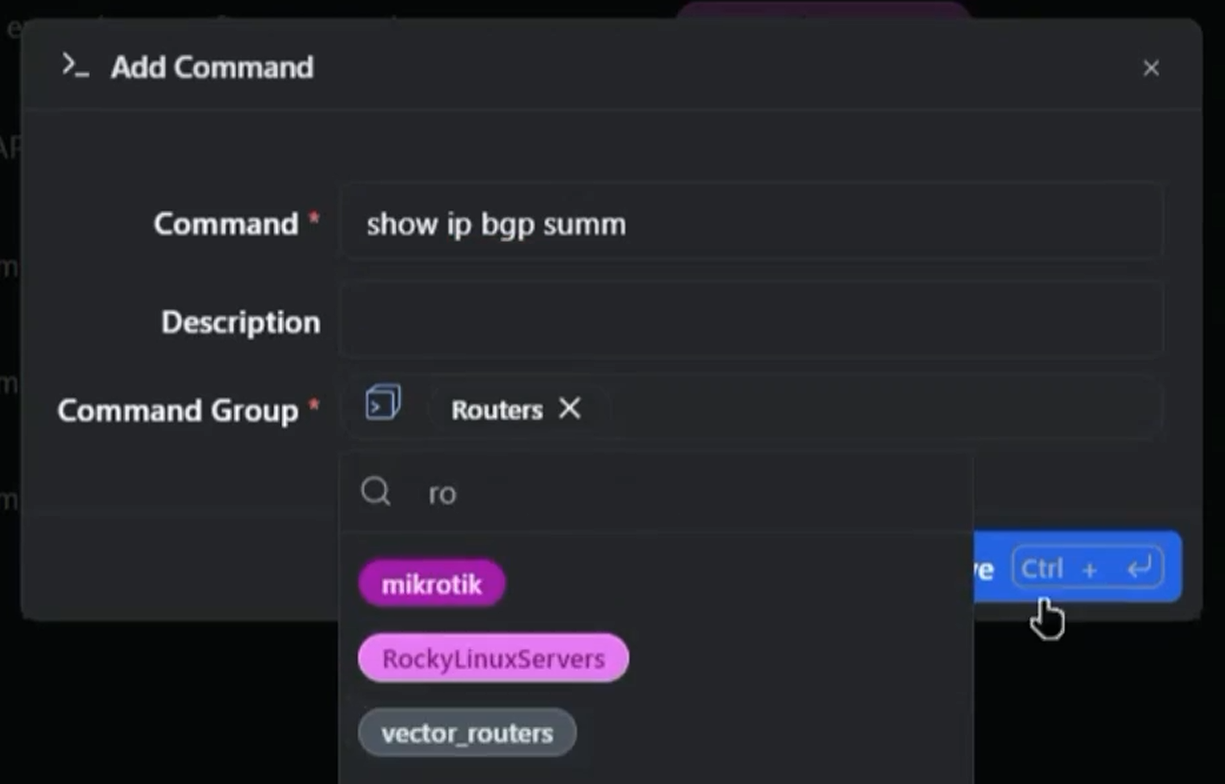
Capture configs and operational state reliably, on schedule and on demand. See how backups plug into diffs, compliance, and recovery workflows.
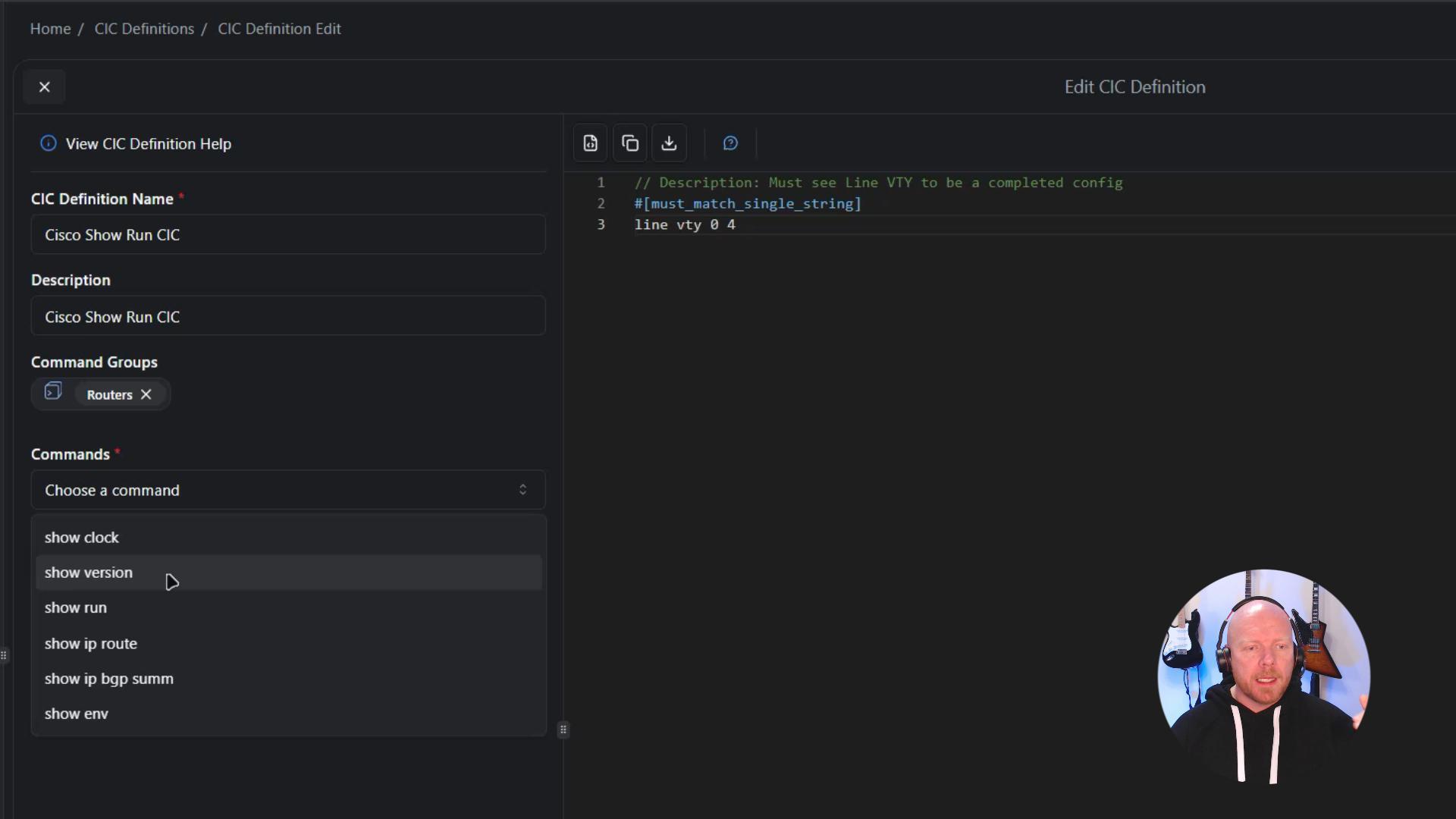
Run integrity and compliance checks against what’s actually on the network. Detect drift early and prove controls with auditable results.
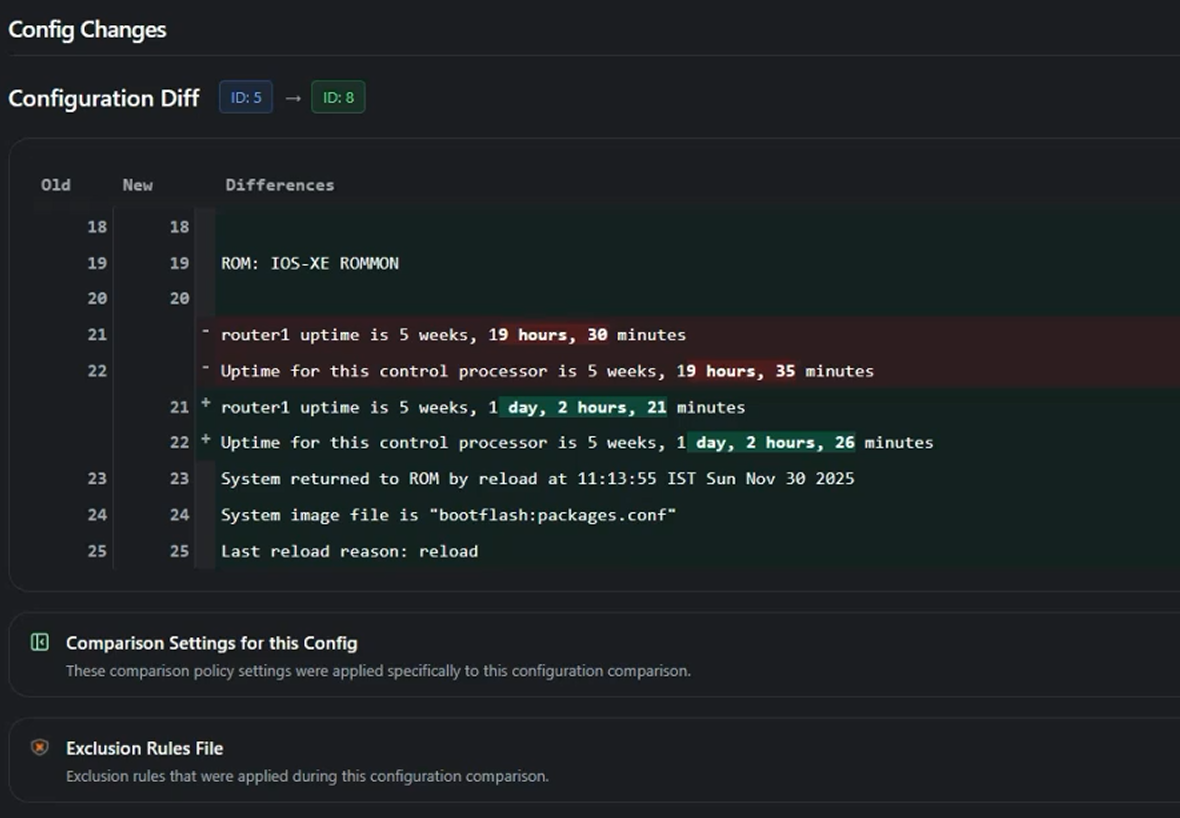
Compare changes across time with clean, readable diffs. Spot risky edits, understand impact, and validate what changed in seconds.
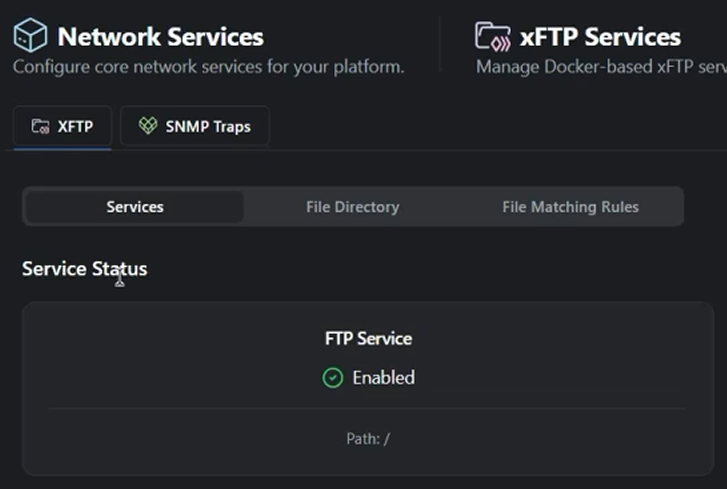
Explore multiple backup strategies for different environments and constraints. Pick the right method per vendor, access model, and security posture.
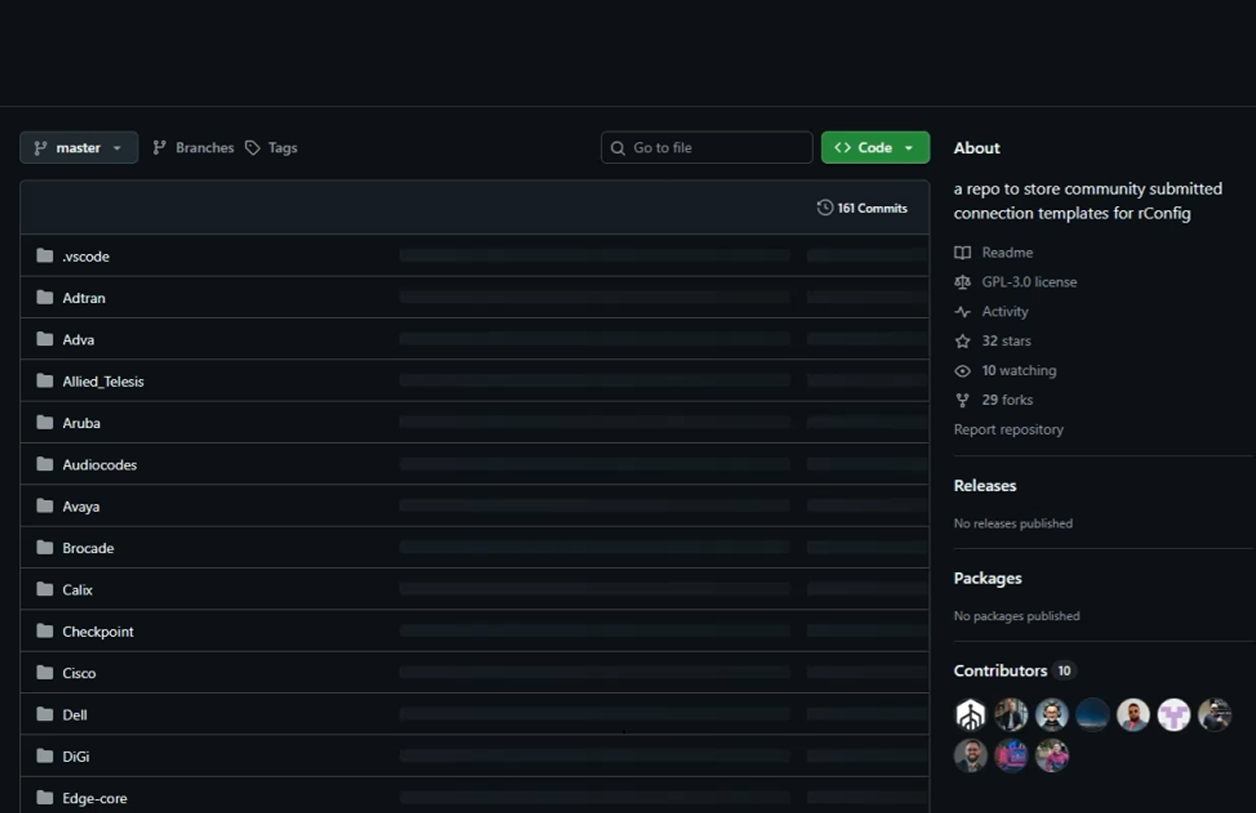
Get consistent outputs across mixed vendors using templates. See how rConfig normalizes command execution and parsing across platforms.
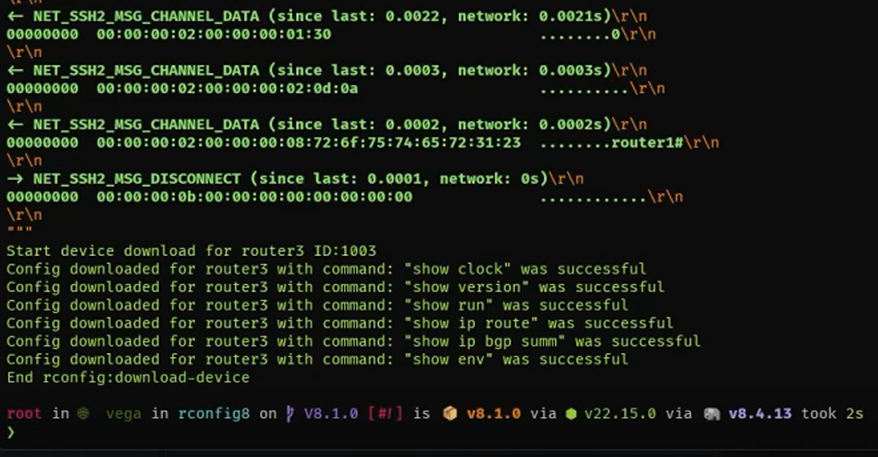
Use built-in workflows to investigate issues faster. Combine commands, history, and context to move from symptom to root cause quickly.
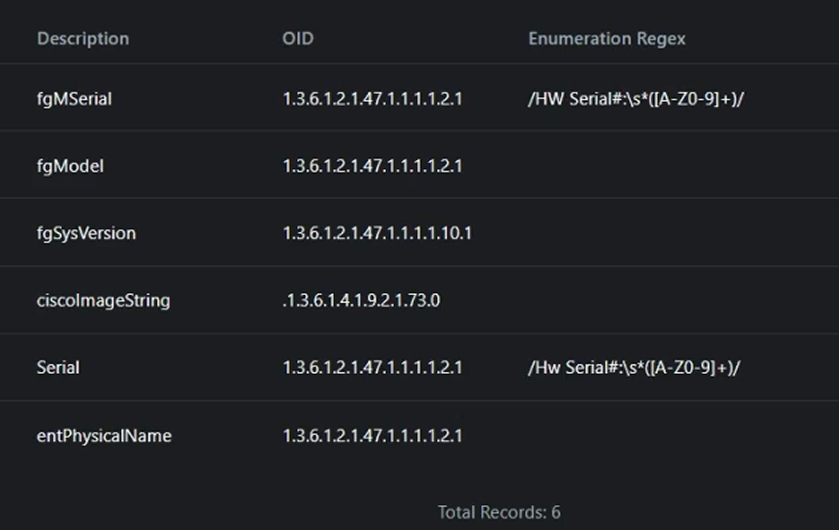
Enrich device inventory and monitoring data using SNMP properties. Improve visibility and accuracy without manual device-by-device edits.
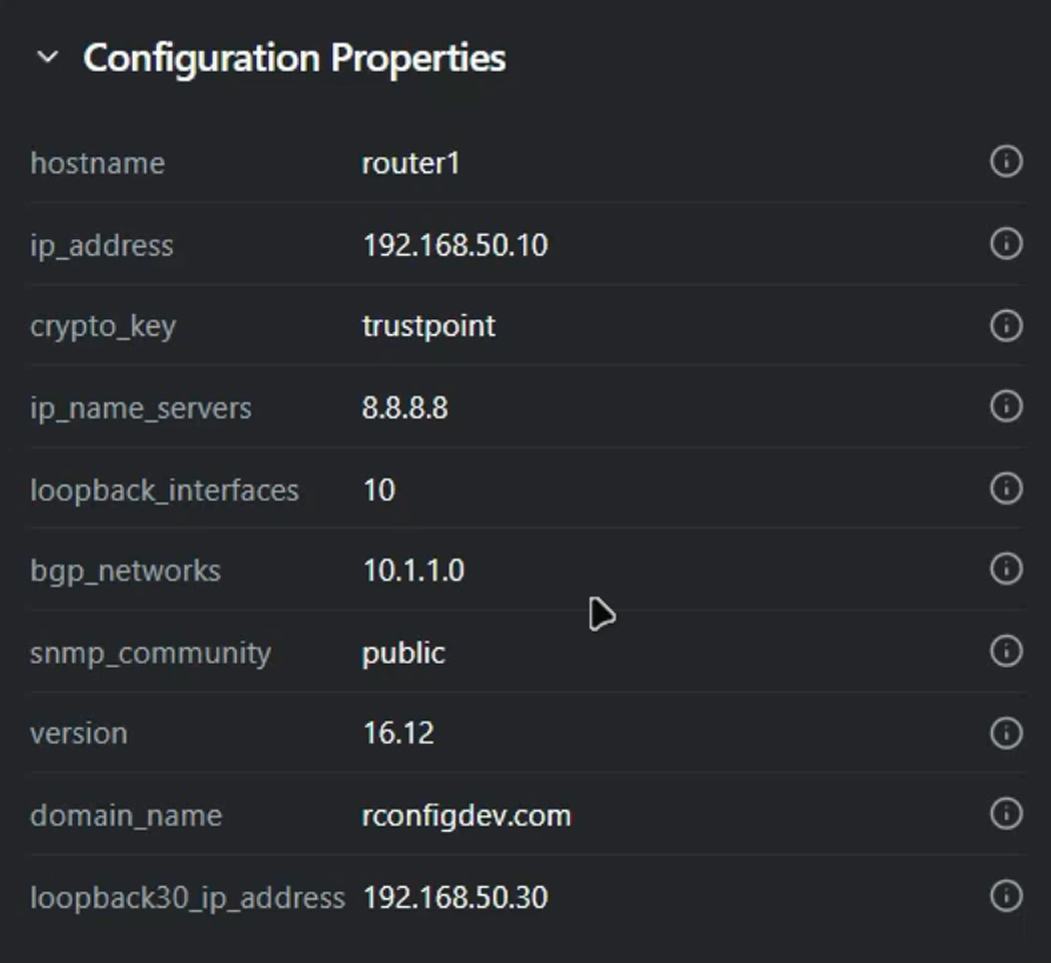
Tag and classify configs with meaningful metadata. Make search, reporting, and automation smarter with consistent config properties.
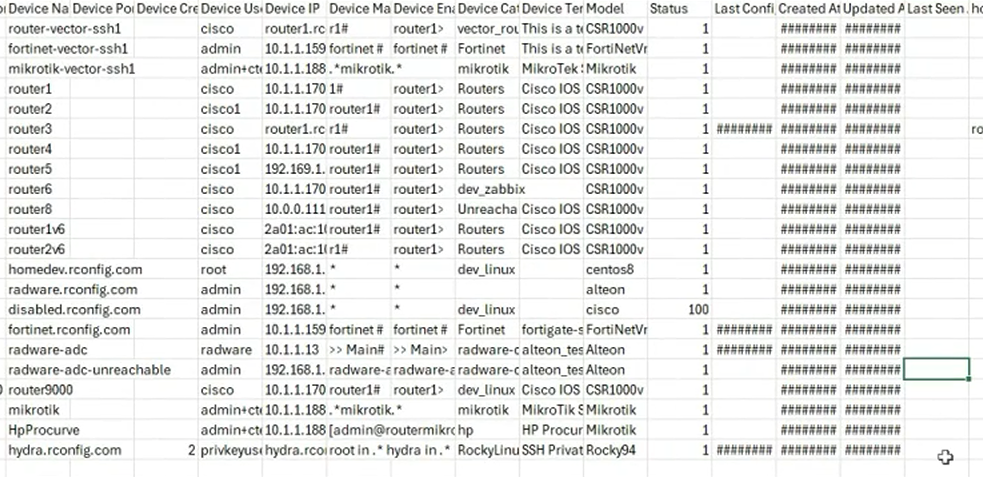
Pull inventory data out cleanly for audits, CMDB work, or reporting. Export formats and tips for keeping downstream systems happy.
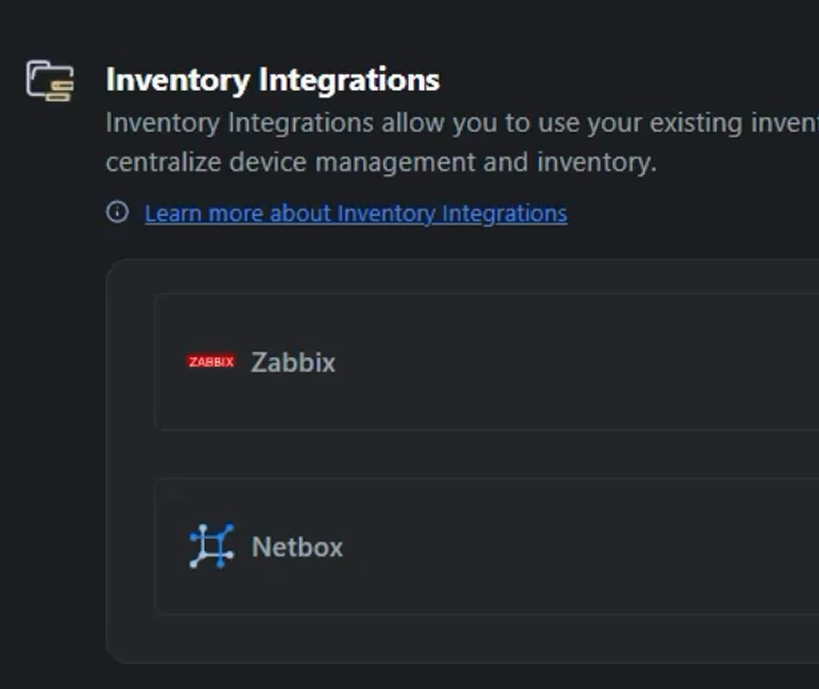
Onboard devices quickly from spreadsheets or other systems. Learn the import flow, validation, and best practices to avoid messy data.
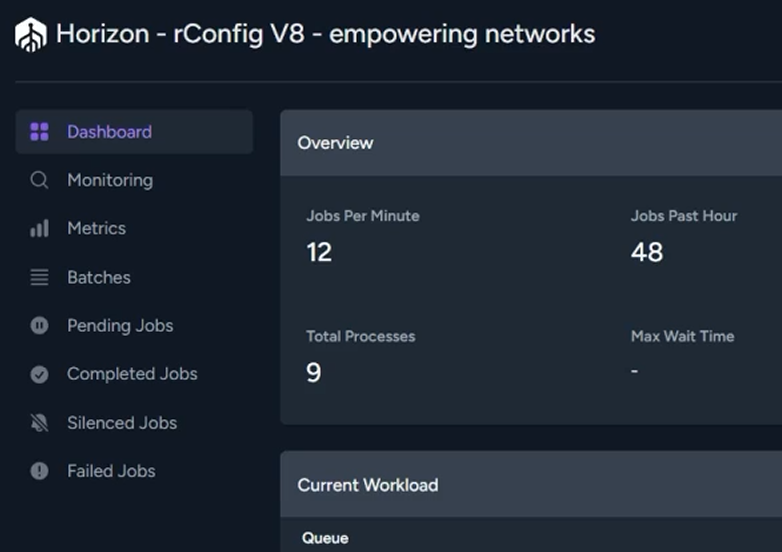
Automate backups, checks, and routine tasks with flexible schedules. Build reliable operational rhythm without babysitting jobs.
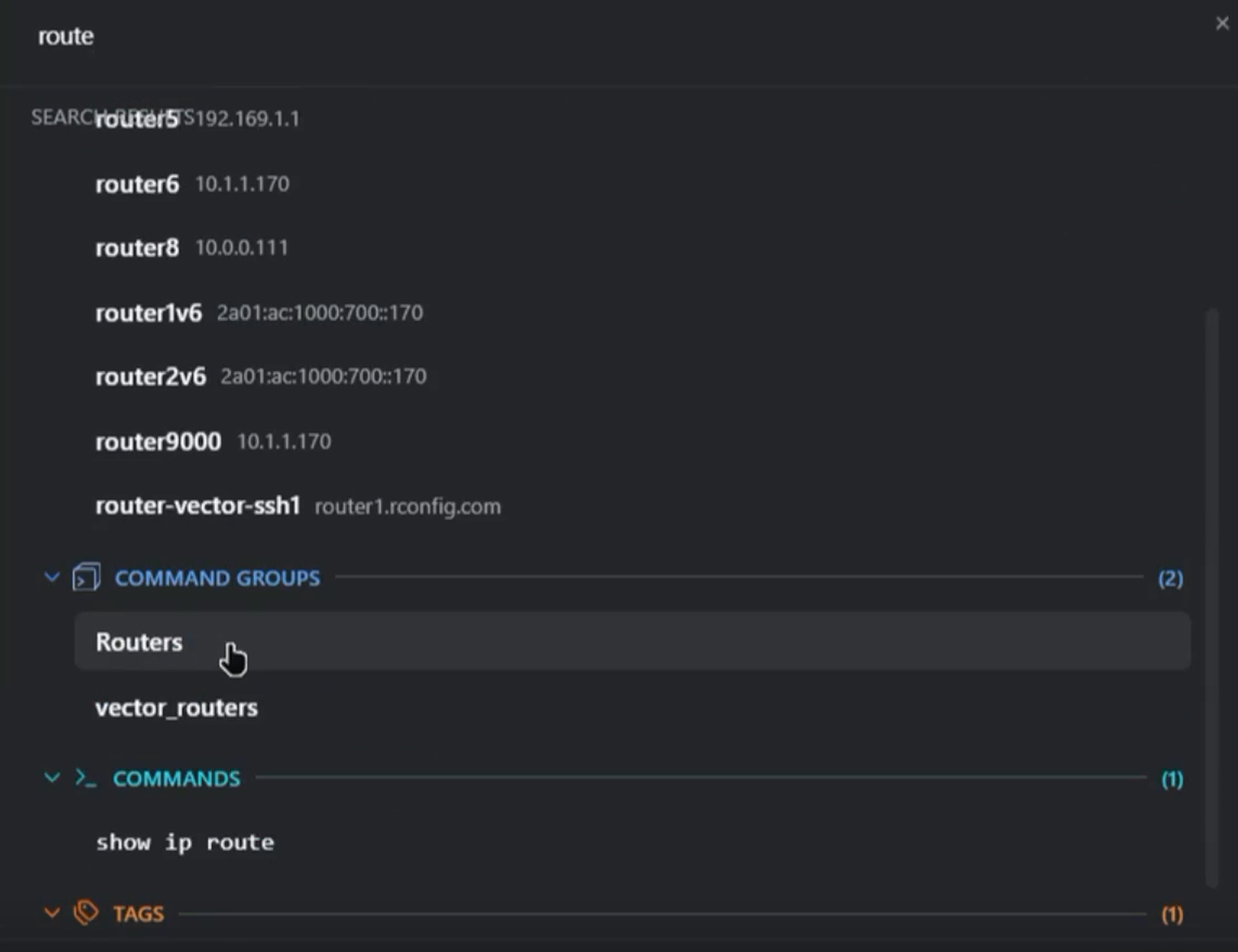
Move faster in the UI with shortcuts, power-search, and personal settings. Small tweaks that save real time when you’re in it daily.
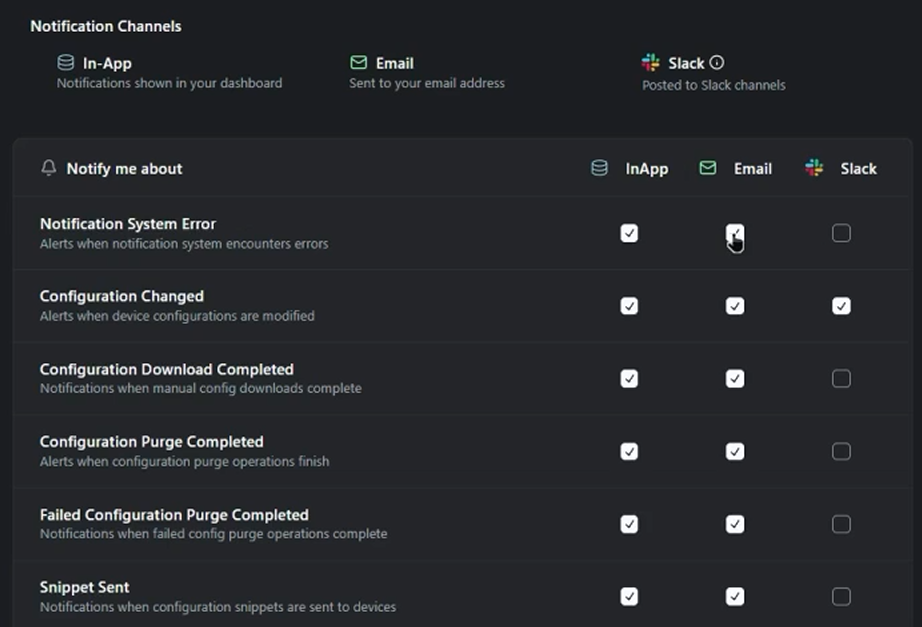
Get the right alerts without the noise. Configure notifications and digests so teams see important changes and health signals.
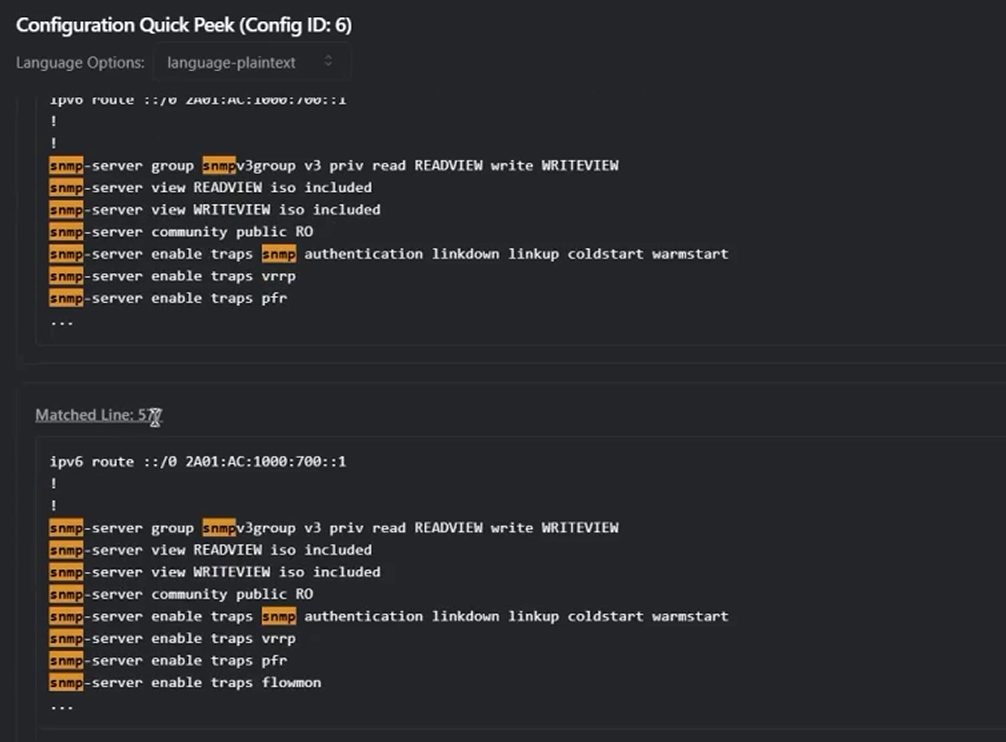
Investigate a device or incident on demand using manual search and diff tools. Great for “what changed?” moments and fast verification.
Book a tailored walkthrough, ask implementation questions, and get pricing or deployment guidance from our team.
Contact UsAnswers to common questions about rConfig demos and next steps.
A guided rConfig V8 walkthrough covering device discovery, automated backups, configuration compliance, real-time change monitoring, and rollback workflows tailored to your network.
Most demos run 30-45 minutes, including Q&A on deployment, security, and integration with existing network tools.
Yes. We tailor demos for multi-tenant MSP operations, enterprise change control, compliance reporting, and large-scale device management.
Yes. We show automated compliance checks, audit trails, and reporting that align with common frameworks like ISO 27001 and NIST.
Yes. The demo includes change detection, diff views, alerting, and rollback options to reduce risk and MTTR.
We cover tenant separation, role-based access, customer-level reporting, and scale considerations for MSP service delivery.
We walk through sizing, collectors, HA options, security controls, and integration patterns for large enterprise networks.
Yes. We can discuss API and integration workflows for SIEM, ITSM, and orchestration platforms during the demo.
Yes. We can provide a quotation, licensing guidance, and a deployment plan for rConfig V8 after the session.